On this page
No-shows are one of the biggest challenges facing service-based businesses. Whether you run a salon, a consulting practice, or a fitness studio, every missed appointment represents lost revenue and wasted time.
The good news? With the right automated reminder system, you can reduce no-shows by up to 80%. Here's how.
The True Cost of No-Shows
Before we dive into solutions, let's understand the problem. The average no-show rate across service industries is 15-20%. For a business with 100 appointments per week at an average value of $75, that's:
- 15-20 missed appointments per week
- $1,125 - $1,500 in lost revenue weekly
- $58,500 - $78,000 in annual losses
And that doesn't account for the opportunity cost—those time slots could have been filled by other paying customers.
Why Customers Miss Appointments
Understanding why customers don't show up is the first step to solving the problem:
- They simply forgot (most common)
- Life got in the way (emergencies, schedule conflicts)
- They booked too far in advance
- The booking process was confusing
- No easy way to reschedule
The Power of Automated Reminders
Here's where automation becomes your best friend. A well-designed reminder sequence can address most of these issues without any manual effort from your team.
The Optimal Reminder Sequence
Based on our data from over 5 million bookings, here's the reminder sequence that works best:
- Booking Confirmation — Immediately
- First Reminder — 48 hours before
- Second Reminder — 24 hours before
- Final Reminder — 2 hours before (optional)
Each touchpoint serves a different purpose:
- Confirmation: Reassures the customer their booking went through
- 48-hour reminder: Gives time to reschedule if needed
- 24-hour reminder: Final planning reminder
- 2-hour reminder: For high-value or frequently-missed appointments
What to Include in Your Reminders
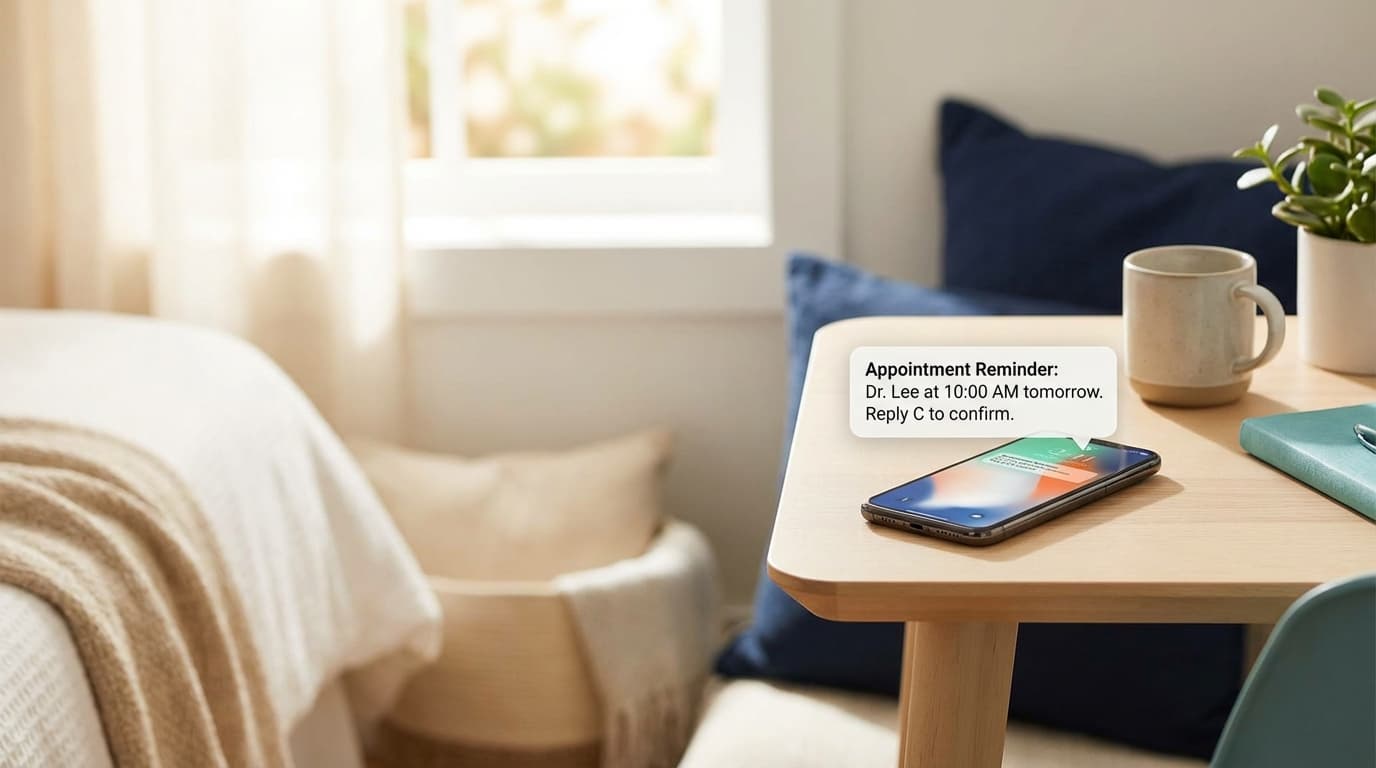
Effective reminders should be concise but include all essential information:
- Date and time of appointment
- Location or meeting link
- What to bring or prepare
- Easy reschedule/cancel link
- Your contact information
"Since implementing automated reminders through Easy Appointment Booking, we've reduced our no-show rate from 22% to just 4%. That's an extra $3,000 per month in recovered revenue." — Maria Santos, Owner of Glow Wellness Spa
Best Practices for Reminder Content
Keep It Personal
Use the customer's name and reference specific details about their appointment:
Good: "Hi Sarah, just a reminder about your 60-minute deep tissue massage tomorrow at 2 PM with Jessica."
Not as good: "Appointment reminder: You have an upcoming appointment."
Make Rescheduling Easy
Include a one-click reschedule link. Customers who need to change their appointment are much more likely to reschedule than cancel if you make it frictionless.
Consider the Channel
Different customers prefer different communication methods:
- Email: Great for detailed information, calendar attachments
- SMS: Higher open rates (98% vs 20% for email), best for urgent reminders
- Both: The most effective approach for important appointments
Measuring Success
Track these metrics to optimize your reminder strategy:
- No-show rate: Your primary success metric
- Reminder open rates: Are customers seeing your messages?
- Reschedule rate: How many people use your reschedule link?
- Confirmation rate: Do customers acknowledge the reminder?
Getting Started
Setting up automated reminders doesn't have to be complicated. With Easy Appointment Booking, you can:
- Create custom reminder templates
- Set up multi-channel sequences (email + SMS)
- Include automatic calendar attachments
- Enable one-click reschedule links
- Track performance with built-in analytics
The investment in a proper reminder system typically pays for itself within the first month through recovered revenue from prevented no-shows.
Ready to reduce your no-show rate? Start your free trial and see the difference automated reminders can make for your business.