Multi-location booking for Shopify
Organize services and bookings across all locations
Let customers book at the right location. Keep each team’s schedule organized and manage it all from Shopify.
Powering bookings for top brands















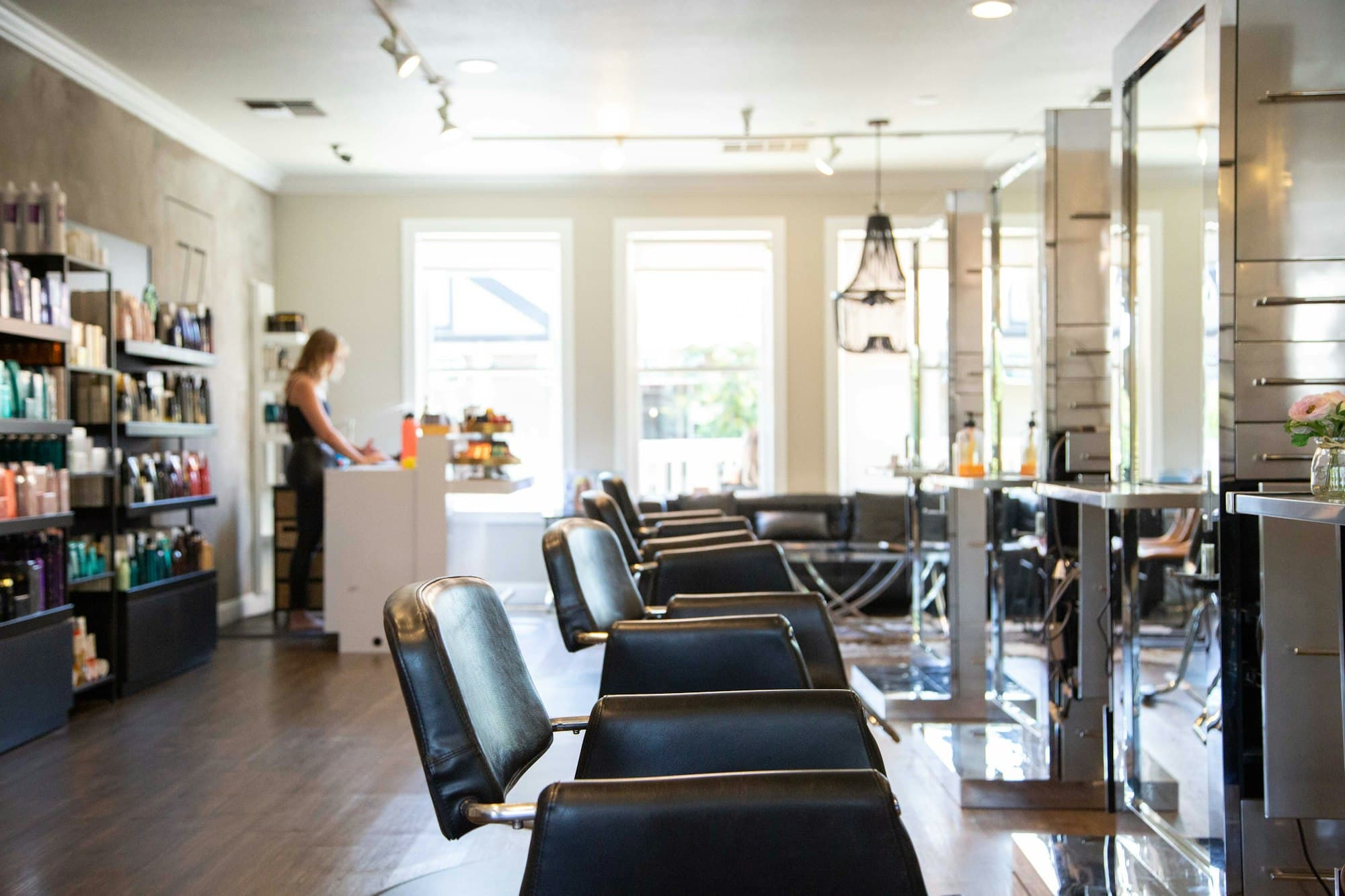
Each location keeps its own hours, team, and prices
Give every branch its own product, or one product with a Location option. Customers only see times that branch can take.
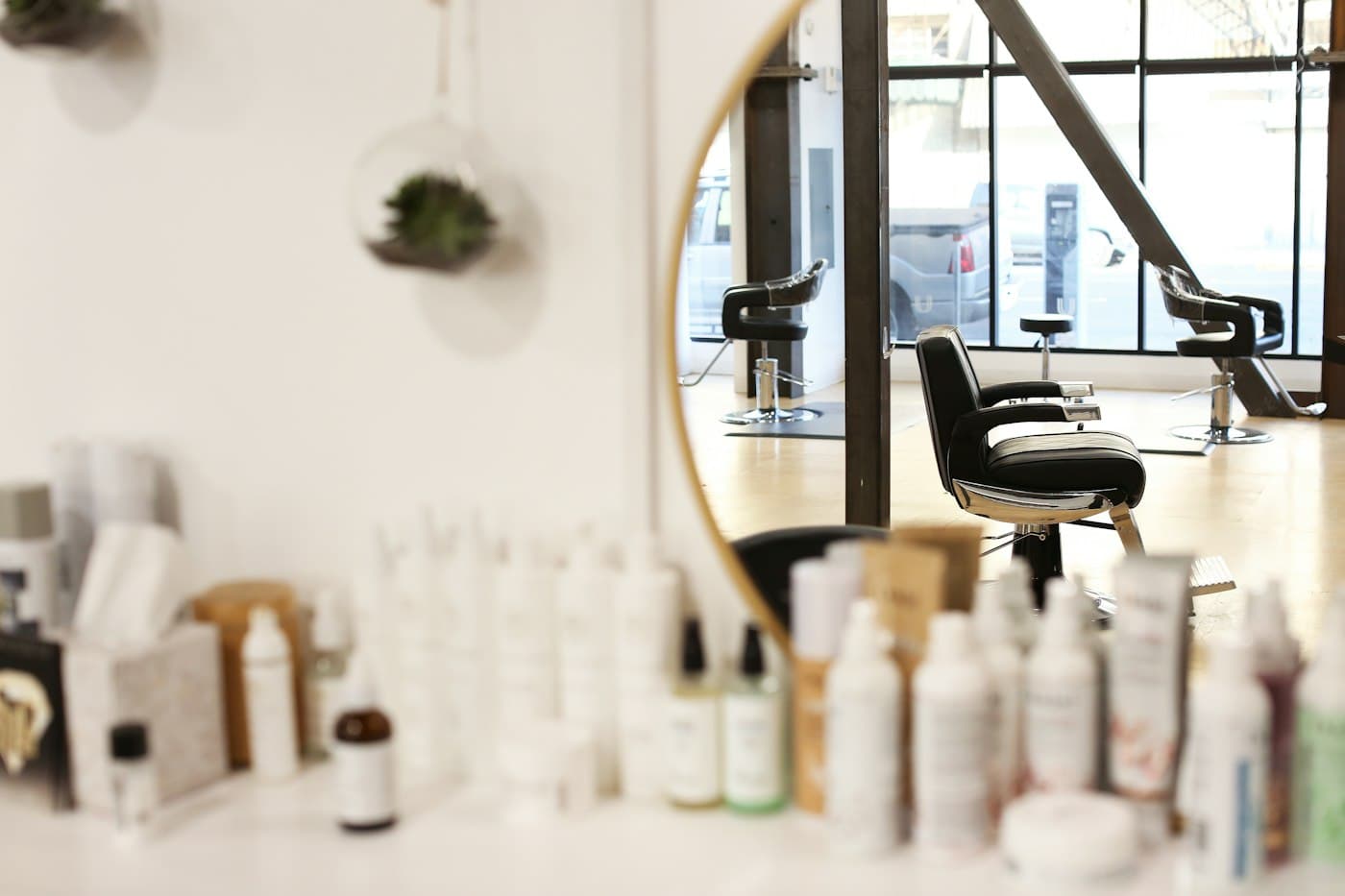
Downtown
88 King St W
- Open
- Tue–Sat · 9–7
- Team
- 4 stylists

West End
812 Queen St W
- Open
- Mon–Fri · 8–6
- Team
- 2 stylists
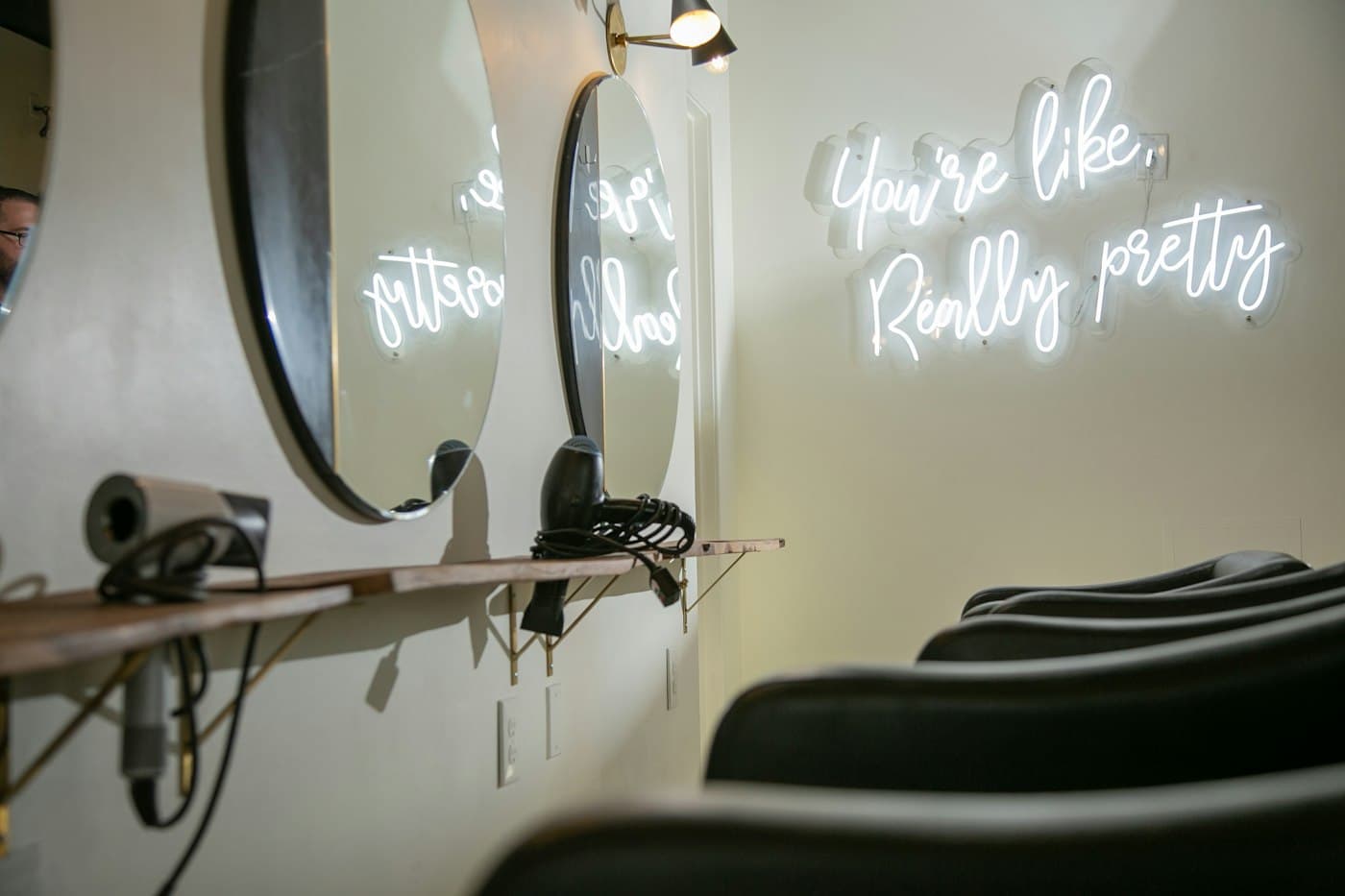
Yorkville
120 Yorkville Ave
- Open
- Wed–Sun · 10–8
- Team
- 3 stylists
Local teams. A connected business.
Keep day-to-day booking simple as your business grows.
Set up each location once
Add a location with its address and notes for your team. Services, availabilities, and bookings pick it up from there.
- The address goes into confirmation and reminder emails
- Internal notes, like a door code, stay with your team
- Archive or merge locations as you open and close them
Locations
The places where your events and services happen.
Downtown
88 King St W
West End
812 Queen St W
Yorkville
120 Yorkville Ave
Show location filters across the admin
Edit location
Address
812 Queen St W
Shown to customers in confirmations
Internal notes
Side door code 4410
Only visible to your team
A schedule for every location
Give each location its own hours, staff, and services. Teams filter to the bookings they need; managers switch between locations.
- Filter by one location or several at once
- Works in the list, agenda, calendar, and availability views
- The same filter is in the Team Portal
Thursday
4 bookings
Priya Shah
Cut & style · Emma
Jack Campbell
Blow-dry · Alex
Sofia Reyes
Cut & style · Emma
Noah Kim
Blow-dry · Alex
Bookings at the point of sale
Find appointments and check in guests from Shopify POS, with bookings filtered to the location your team is working at.
- Link each location to its Shopify POS location
- Add a booking to the cart and take payment at the counter
- Change location to see every branch
Included with Ultimate and Enterprise
Check in & search bookings
Today’s bookings at Downtown
Change locationMaya Chen
Cut & style
Jack Campbell
Cut & style
Ava Martin
Colour
 Register at Downtown
See how each location performs
Compare bookings and revenue by location. Know where you’re busy and where there’s room to grow.
- Ask Claude in plain English, for any date range
- Uses your store's time zone, so "last week" means your week
- Read-only: Claude can't change or cancel a booking
Included with Ultimate and Enterprise

 Easy Appointment Booking
Downtown led September on both counts. Yorkville took the fewest bookings but the highest spend per visit.
Close every location at once
Block off a holiday everywhere in one step.
Bookings follow your staff
Mobile services use the location of whoever is booked.
Keep customers in the loop
Send reminders and follow-ups from Klaviyo.
Pay for your plan once
Your plan covers your first location. Each one after that is $30 a month.
$99/ month
Every location gets
- Its own hours, team, and services
- Its address in every booking email
- Its own bookings filter, in the admin and Team Portal
- A Shopify POS register that opens on its bookingsUltimate
- Its bookings and revenue, broken out in ClaudeUltimate
Plus everything in Pro Plus
- 50 services
- Deposits, gifting & packs
- Waitlists and automatic refunds
- Multiple ticket types and advanced availability rules
- Shopify POS
Questions about locations
Still unsure? Ask our team.
Make one Shopify product per location, or one product with a Location option. On a collection or list page, customers can also filter by location before they pick a time.
Explore More
Booking for Wineries & Tasting Rooms
See how wineries manage tastings across multiple vineyard locations.
Read moreGuideMulti-Location Operations Guide
Best practices for managing scheduling, staff, and services across locations.
Read moreComparisonEasy Appointment Booking vs Calendly
Compare features, pricing, and Shopify integration side by side.
Read moreIndustryBooking for Showrooms
See how showrooms manage private appointments across multiple locations.
Read moreBring every location into one store
We’ll set up your locations with you, link your registers, and show your teams their schedules.