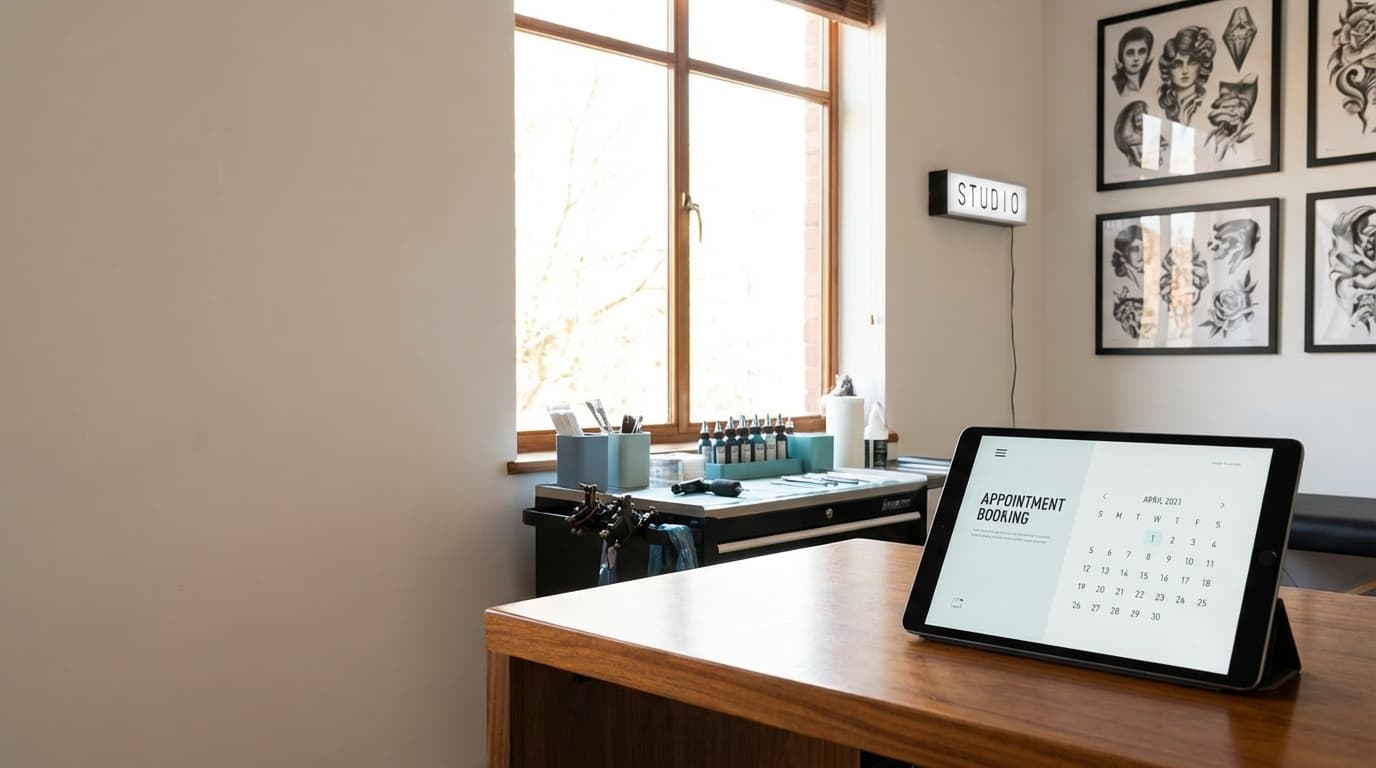












For tattoo studios & artists

Booking built around deposits and consultations

Tattoo work does not fit a generic scheduling tool. Take the consultation request first, hold a deposit that applies to the session, and give every artist their own calendar, all on your Shopify store.

Contact Us
4.9from 500+ reviews

See how it works

Tattoo Consultation

🖤Tattoo Consultation

Select a date and time that works for you

August 2026

Su
Mo
Tu
We
Th
Fr
Sa

Available times

30 min
25,000+
Shopify merchants
4.9
Stars on the App Store
$0
To install and start
Reduce No-Shows

Hold a deposit, then apply it to the session

A booked chair that goes empty costs an artist a full day. Take a deposit at the time of booking, from a flat amount to a percentage of the piece, and let it come off the final price when the client sits down. Payment runs through your normal Shopify checkout, so the deposit is a real order with real reporting behind it.

  • Deposits or full prepayment per service
  • Real Shopify orders, not a side ledger
  • Cancellation windows you set per artist
Start booking
Booking ConfirmedJust now

Your reservation is confirmed for Aug 15 at 2 PM

ReminderTomorrow

Don't forget: Your visit is tomorrow at 2 PM

Review Request2 days ago

How was your experience? Leave a review!

Storefront Booking

Take the consultation before the session

Tattoo bookings usually start as a question about a piece rather than a request for a time slot. Put a consultation request on your site with the intake questions you actually need: placement, size, colour or black and grey, budget range, and reference images. The answers land with the booking so the artist walks in already briefed.

  • Custom intake questions per service
  • Free consultations that skip checkout
  • Answers attached to the booking record
Start booking
Before your appointmentRequired
Where on the body?
Left forearm
Approximate size?
6 to 8 inchesNo
Colour or black and grey?
Black and grey
Every answer flows into
ShopifyShopify
OutlookOutlook
KlaviyoKlaviyo
Google CalendarGoogle Calendar
Your ERP, via API
Shopify Native

A calendar per artist, one shop to run

Give every artist their own availability, services, and day rates, and let clients pick the artist they came for. Staff manage their own bookings through a team portal without Shopify admin access. When the client arrives, check them in at Shopify POS and ring up aftercare in the same transaction.

  • Per-artist calendars and availability
  • Team portal without admin access
  • POS check-in and aftercare in one sale
Start booking
CalendlyCalendly contact

Name

Marcus Reyes

Email

marcus@example.com

Last booking

Half Sleeve, Session 2

Purchase history

Not available

Lifetime value

Not available

Best you can send Marcus: a generic thank-you.

One record
Easy Appointment BookingShopify customer

Name

Marcus Reyes

Email

marcus@example.com

Appointments

FreeDesign Consultation · May 4
POS check-in
PaidHalf Sleeve, Session 2
Order #1042 · $300 deposit

Orders

Half sleeve, session 1Aftercare balm$180 in-store · attributed

Lifetime value

$4,260.00

Tags

Repeat clientBlack and grey

Klaviyo flow fires: Hi Marcus, healing should be settling in. Ready to book session 3?

Features

Everything you need to manage bookings

Powerful features designed to save time, reduce no-shows, and grow your business.

Deposit$30 (25%)

Non-Refundable Deposits

Collect a deposit at booking and apply it to the session price. Set the amount per service or per artist.

Design Intake Forms

Ask for placement, size, style, and budget on the booking form so the artist has the brief before the consultation.

Assign Staff
E
Emma R.
Bridal
D
David K.
Piercings
S
Sarah M.
Custom

Per-Artist Calendars

Each artist sets their own hours, services, and buffers. Clients book the artist, not the shop.

Services
Consultation
30 min
Repair Drop-off
15 min
Custom Design
60 min

Multi-Session Pieces

Sell a package of sessions up front for large work, and let the client book each sitting as they go.

Automated Reminders

Email and SMS reminders before the session, plus aftercare instructions once it is done.

Waitlist3 waiting
1
Guest 1
2
Guest 2
3
Guest 3

Waitlists

Fill last-minute cancellations from a waitlist instead of losing the chair for the day.

Built for Shopify diamond badge

Built for Shopify.

Easy Appointment Booking meets Shopify's highest quality standards. Secure, reliable, and meets the latest web standards.

  • 2025 Shopify Editions Partners
  • 2020 Partner Challenge Winner

Connects to your favorite tools

Easy Appointment Booking integrates with the platforms you already use.

Google Calendar logo

Google Calendar

Sync with your Google Calendar

Outlook Calendar logo

Outlook Calendar

Sync with your Outlook Calendar

Zoom logo

Zoom

Auto-create meetings

Klaviyo logo

Klaviyo

Trigger notifications with Klaviyo

Zapier logo

Zapier

Connect 5,000+ apps

Google Analytics logo

Google Analytics

Track conversions

Shopify POS logo

Shopify POS

Take and manage bookings on point of sale

Shopify logo

Shopify

Manage everything within Shopify

ChatGPT logo

ChatGPT

Manage bookings with AI

Claude logo

Claude

Manage bookings with AI

Booking API logo

Booking API

Build custom integrations

Webhooks logo

Webhooks

Real-time booking events

Transparent pricing for every business

30-day money back guarantee and top notch customer support.

Free

Perfect for trying out

$0/yr
Get Started
Events/Services1
Booking History30 days
Reminders & Follow-ups
Intake Questions
Google Calendar
Zoom Integration
Rescheduling
Upsell Products

Pro

For growing businesses

$250/yr
Save 29%
Get Started
Events/Services30
Booking History6 months
Reminders & Follow-ups
Intake Questions
Google Calendar
Zoom Integration
Rescheduling
Upsell Products
Most Popular

Pro Plus

Most popular

$350/yr
Save 20%
Get Started
Events/Services50
Booking History1 year
Reminders & Follow-ups
Intake Questions
Google Calendar
Zoom Integration
Rescheduling
Upsell Products

Ultimate

For power users

$899/yr
Save 20%
Get Started
Events/Services100
Booking History3 years
Reminders & Follow-ups
Intake Questions
Google Calendar
Zoom Integration
Rescheduling
Upsell Products

Or choose our Free plan which offers unlimited bookings for 1 event or service.

FAQ

Frequently asked questions

Everything you need to know about booking software for tattoo studios.

Yes. Set a deposit as a flat amount or a percentage per service, collected through your normal Shopify checkout at the time of booking. Because it is a real Shopify order, the deposit shows up in your revenue reporting and can be applied against the final session price. You control the cancellation window that decides whether it is refundable.

Still have questions? Contact our support team

Book the consultation. Hold the deposit. Fill the chair.

4.9-stars with 500+ reviews
Free to get started
Trusted by 25,000+ stores
💬

Questions? We're here to help.

Our team can walk you through a personalized demo and answer any questions about your specific needs.

Contact Us