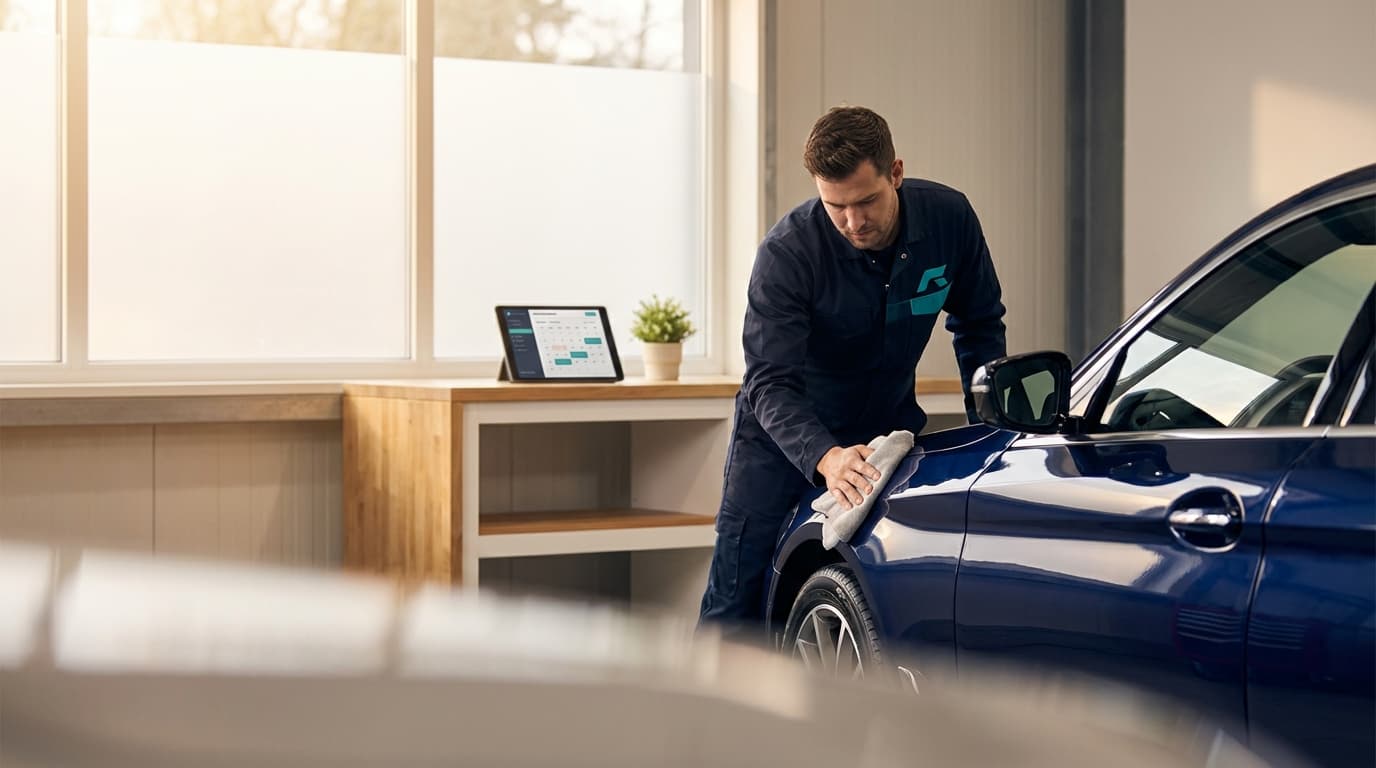
Running an auto detailing business means juggling vehicle sizes, service durations, and customer expectations—often while managing a mobile operation. Between full corrections, ceramic coatings, and interior deep cleans, scheduling can eat up hours of your week.
The right booking software puts customers in control of their own scheduling, collects deposits to protect your time, and keeps your calendar organized whether you operate from a shop, a van, or both.
Why Auto Detailers Need Dedicated Booking Software
Generic scheduling tools miss the nuances of detailing work:
- Vehicle-based pricing where a sedan costs less than a full-size SUV
- Service packages that bundle wash, polish, and protection
- Deposit collection for multi-hour corrections and coatings
- Location flexibility for mobile detailers who travel to the customer
- Add-on services like engine bay cleaning, headlight restoration, or pet hair removal
Phone calls and text message scheduling create bottlenecks. When a potential customer has to call you mid-detail, wait for a callback, and negotiate a time slot, many just go with whoever responds first.
The Cost of No-Shows for Detailers
A no-show hits detailers differently depending on the service:
| Service | Duration | Typical Price | Lost Revenue |
|---|---|---|---|
| Basic Wash & Wax | 1-2 hours | $75-150 | $75-150 |
| Interior Detail | 2-3 hours | $150-250 | $150-250 |
| Paint Correction | 4-8 hours | $300-800 | $300-800 |
| Ceramic Coating | 6-10 hours | $500-1,500 | $500-1,500 |
For mobile detailers, a no-show also means wasted drive time and fuel. If you've blocked an entire afternoon for a paint correction and the customer ghosts, that's a day you can't recover.
Detailing businesses without deposit requirements report no-show rates of 15-25%. With automated deposits and reminders, that drops to under 5%.
Essential Features for Auto Detailing Booking
Vehicle-Based Service Pricing
Detailing isn't one-size-fits-all. Your booking system should let customers select their vehicle type and see accurate pricing:
- Sedan/Coupe — Base pricing
- SUV/Crossover — 20-30% premium
- Truck/Full-size SUV — 30-50% premium
- Van/Commercial — Custom quote required
This eliminates the back-and-forth of "how much for my Tahoe?" and sets expectations before the appointment.
Service Packages with Add-Ons
Structure your offerings in clear tiers:
- Express Detail — Exterior wash, interior vacuum, dashboard wipe
- Standard Detail — Full interior and exterior, tire dressing, windows
- Premium Detail — Clay bar, one-step polish, interior deep clean
- Signature Detail — Paint correction, ceramic coating, full interior restoration
Then let customers add services like:
- Engine bay cleaning (+$50-75)
- Headlight restoration (+$40-60)
- Odor elimination (+$50-100)
- Pet hair removal (+$30-50)
- Scratch touch-up (+$25-50)
Deposit Collection
For anything beyond a basic wash, deposits protect your schedule:
- Express services: No deposit needed
- Standard detail: $25-50 deposit
- Premium detail: $75-100 deposit
- Paint correction/ceramic: $150-200 deposit
Make deposits non-refundable for cancellations under 24 hours. This filters out the "just browsing" crowd and ensures serious customers.
Mobile Detailing: Location and Travel Management
If you're a mobile detailer, your booking system needs to handle logistics:
- Service area definition — Set your travel radius (e.g., 25 miles)
- Address collection at booking — Customer enters their location
- Travel time buffers — Auto-add drive time between appointments
- Zone-based pricing — Charge more for distant locations
- Parking/access notes — Let customers specify garage, driveway, or lot
Without travel buffers, you'll end up double-booked or rushing between jobs. A 30-minute buffer between appointments in different parts of town saves your sanity.
Automated Reminders
A solid reminder sequence for detailing appointments:
- Booking confirmation — Immediately (include deposit receipt and service details)
- Prep reminder — 24 hours before (vehicle should be unlocked, clear personal items, note parking location)
- Day-of reminder — Morning of appointment (include estimated arrival window for mobile)
- Completion notification — When the detail is done (include care instructions)
For mobile detailing, include your ETA and a note asking the customer to ensure the vehicle is accessible.
Setting Up Your Detailing Booking Flow
Step 1: Define Your Services
Create distinct bookable services with clear pricing:
| Service | Duration | Sedan Price | SUV Price | Deposit |
|---|---|---|---|---|
| Express Wash | 1 hour | $50 | $65 | None |
| Interior Detail | 2 hours | $150 | $195 | $50 |
| Full Detail | 3-4 hours | $250 | $325 | $75 |
| Paint Correction (1-step) | 4-6 hours | $350 | $450 | $150 |
| Paint Correction (2-step) | 6-8 hours | $550 | $700 | $200 |
| Ceramic Coating | 8-10 hours | $800 | $1,000 | $250 |
Step 2: Create Your Intake Form
Collect what you need before the appointment:
- Vehicle year, make, and model
- Vehicle color (important for paint correction)
- Current condition (daily driver, garaged, neglected)
- Specific concerns (swirl marks, stains, pet damage)
- Previous detailing history
- For mobile: address and parking situation
- How did you hear about us?
Step 3: Configure Scheduling Rules
Set boundaries that protect your workflow:
- Minimum lead time — At least 24 hours for basic services, 48-72 hours for corrections and coatings
- Buffer between appointments — 30 minutes for shop, 45-60 minutes for mobile
- Daily capacity — Limit based on bays (shop) or realistic mobile schedule
- Seasonal hours — Adjust for daylight in winter months
- Blackout dates — Block holidays and personal time
Step 4: Define Cancellation Policies
Be transparent:
- Cancellations 48+ hours out: full deposit refund
- Cancellations 24-48 hours: 50% deposit retained
- Cancellations under 24 hours: deposit forfeited
- No-shows: deposit forfeited, rebooking requires new deposit
Display these during booking so customers know the terms before they commit.
Managing Shop vs. Mobile Operations
Many detailers run both a fixed shop and a mobile service. Your booking system should handle both:
Shop-Based Booking
- Assign appointments to specific bays
- Manage multiple technicians per bay
- Track bay utilization rates
- Allow customers to drop off and pick up
Mobile Booking
- Collect service address during booking
- Auto-calculate travel time between appointments
- Set different pricing for mobile vs. shop
- Limit mobile bookings per day based on geography
Running both? Use separate service categories so customers can choose "drop off at shop" or "mobile service at my location" during booking.
Weather and Seasonal Considerations
Auto detailing is weather-dependent, especially for mobile detailers and exterior services:
- Rain policy — Define when you reschedule (light rain for interior-only, heavy rain for all services)
- Temperature limits — Ceramic coatings require specific temperature ranges
- Seasonal packages — Spring pollen removal, winter salt wash, fall prep
- Capacity adjustments — Increase availability in peak season (spring/summer)
Build these into your booking system as seasonal service offerings and communicate your weather policy in confirmation emails.
Marketing Your Booking System
Once your system is live, drive traffic to it:
- Add a "Book Now" button to your Google Business Profile
- Link booking from every social media bio (Instagram is key for detailers)
- Include the booking link in before/after posts
- Add it to your vehicle wrap or business cards with a QR code
- Set up Google Ads for "auto detailing near me" pointing to your booking page
- Ask satisfied customers to share their booking link with friends
The easier it is to book, the more customers you convert. Every friction point between "I need a detail" and "I'm booked" costs you money.
Measuring Success
Track these metrics monthly:
- Booking volume: Total appointments scheduled
- No-show rate: Target under 5% with deposits
- Average ticket value: Track upsell success on add-ons
- Capacity utilization: Percentage of available slots filled
- Repeat client rate: Returning customers (target 40%+)
- Mobile vs. shop split: Revenue breakdown by service type
Use this data to optimize pricing, service offerings, and scheduling capacity.
Common Mistakes to Avoid
- No vehicle-type pricing: You'll underprice every SUV and truck detail
- Skipping deposits on corrections and coatings: A no-show on an 8-hour ceramic job is devastating
- No travel buffers for mobile: You'll run behind all day, every day
- Too many service tiers: Five clear packages beat twelve confusing options
- Manual scheduling: Every text thread and phone tag exchange costs you a booking
Frequently Asked Questions
What is the best booking software for auto detailing?
The best auto detailing booking software lets customers book by vehicle size and service, collects a deposit to protect your time, and works for both shop-based and mobile detailing. Easy Appointment Booking handles vehicle-based pricing, location and travel options for mobile detailers, and automated reminders on your Shopify store.
Is there scheduling software for mobile detailing?
Yes. Mobile detailers can take online bookings with location and travel-time handling, so customers book at their address and your day stays routed efficiently. You set service areas, buffer times, and deposits to cover no-shows.
Can customers book car detailing online?
They can. Customers choose their vehicle size, service package, and time from your website and pay or leave a deposit at checkout—no back-and-forth texts. The same setup works for car detailing, ceramic coatings, and interior deep cleans.
How do deposits reduce detailing no-shows?
Requiring a deposit at booking gives customers a reason to show up or reschedule, which protects the long service blocks detailing requires. Most detailers apply the deposit toward the final bill.
Getting Started
If you're still managing appointments through DMs, texts, and phone calls, you're leaving money on the table. An online booking system works while you're elbow-deep in a paint correction—capturing new customers, collecting deposits, and sending reminders without you lifting a finger.
Look for a solution that integrates with your existing website, handles deposits and vehicle-based pricing, and lets customers book in under two minutes. The sooner you set it up, the sooner you stop losing bookings to competitors who make it easier.
Ready to streamline your detailing business? Start your free trial and see how much time you save in the first week.