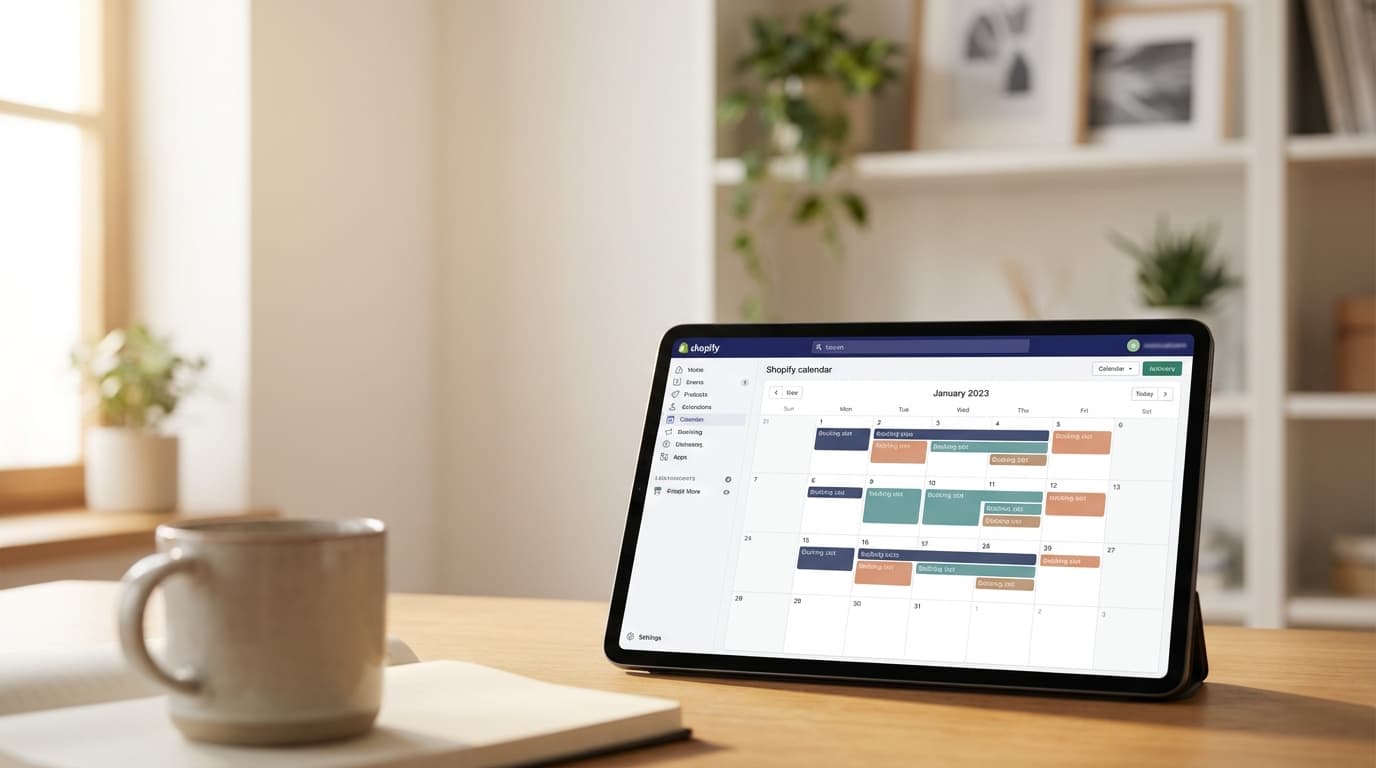

How Do I Create an Event Calendar in Shopify?
It's easy with Easy Appointment Booking! Today, we're excited to launch a new widget -- the Multiple Event Calendar. With this new calendar, you can:
- Have a single calendar which shows your availability for multiple events (ex: all the classes that you offer)
- Let your customers select a timeslot from the calendar
- Show the calendar on any Shopify page!
Demo
Click here to view the new embedded event calendar on our demo store.
Click on the "Book Now" button on the demo store (bottom right) to see the pop-up calendar.
Setup Instructions
This feature is available to our Pro and Pro Plus customers.
- Go to the Widgets tab within Easy Appointment Booking
- Update the settings to enable the "Calendar of Popular Events"
- Press Save Changes
- Preview your changes by clicking the Book Now button on the left side of the page, or view it on your store website
That's it! Your customers can now browse all your available events and classes in a single, easy-to-navigate calendar view.