
On this page
October was about getting answers faster. You can now open Reports to a page of numbers instead of a page of links and see a booking's date, time, and customer the moment you open it. Customers can also pick products from your store as part of booking. Here's what shipped since our mid-October update.
Reports That Lead With Your Numbers
The Reports page used to be a grid of links. It now opens on a summary of the period you pick, 7, 30, or 90 days, compared with the period before it.
- Bookings: total bookings, returning customers, check-ins, and cancellations, each with its change from the last period, plus bookings by day and by event.
- Revenue: booking revenue, package revenue, and post-visit revenue, the money customers spend in your store after their appointment, shown separately.
- Packages: packages sold, sessions redeemed, unused sessions, and sessions that expire in the next 30 days.
- Detailed reports: Valuable Customers, Conversion, Peak Hours, and the rest are tiles that show their headline figure, so you can tell which one is worth opening.
Export CSV downloads the period as a spreadsheet. Reports above your plan show a blurred sample and the plan that unlocks them.
Let Customers Pick Products While They Book
There is a new type of intake question: Product picker. Choose a collection from your Shopify store, and customers pick products from it as part of booking: the jewelry for a piercing, the colour for a manicure, the wines for a private tasting.
You set the minimum and maximum number of picks, and choose between Extended, a grid of cards with large photos, and Compact, a list with small images that suits long collections. Customers can search the collection and remove a pick before they book. Their choices appear on the booking, in emails, in exports, and at POS check-in, so you know what to have ready.
The product picker is on the Ultimate plan.
Booking Details Start With the When and Who
Open any booking and the first thing you see is a summary card: the date, the time with its time zone and length, the service, and the customer with their email and phone. Badges show whether this is their first booking or how many times they have been back, and how much they have spent.
Before, the window didn't show the booking's date or time at all, and the customer was one row among many. The rest of the details follow below, with a search box to find a field fast.
Improvements
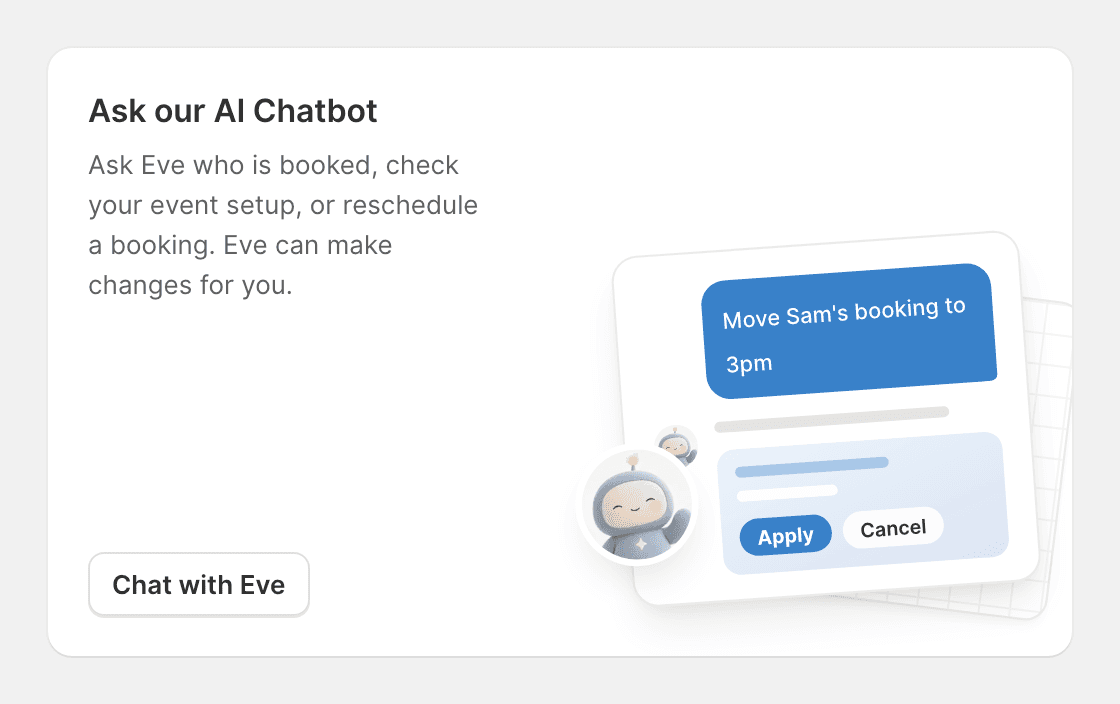
- Ask Shopify Sidekick about the app: Sidekick can now answer how-to questions about Easy Appointment Booking on every plan, and on Ultimate it can look up your bookings, open times, and stats.
- Claude sees more of each booking: the Claude connector now sees packages, payment type, and location, so it can answer questions like which bookings were paid with a package.
- Fix broken email templates in one click: if a custom email template has an error, the editor now says what is wrong in plain English, such as a section that never ends, and Fix it for me suggests a repair for you to review. A template with an error can no longer be saved, so the email always sends. See customizing booking emails.
- Clearer template variables: variables in the email editor show as green pills when they work and red when they don't, and customer details can be used in the email Content Block.
- Point "Contact us" to a web page: the contact link in booking emails can open a page on your site instead of starting an email.
- Export your waitlist: an Export button on the Waitlist page downloads every entry that matches your filters as a CSV. On the Pro Plus plan and above.
- Availability view grouped by event: columns for the same service now sit side by side, so you can compare every room or staff member for one experience at a glance.
- Google Calendar conflicts grey out full days: when Google Calendar events fill a day, the storefront calendar shows it as unavailable instead of an empty day.
- Translated email subjects: booking email subjects, headings, and preview text now follow the store language.
- More of the public API is writable: the public API can now set event hours, structured addresses, private appointments, and availability profiles, with webhooks when they change.
Fixes
- Daylight saving time: staff hours and calendar times stay correct across the clock change, including staff who work in a different time zone from the store.
- Expired cart holds free up: a slot held by an abandoned cart no longer blocks other customers once the hold expires.
- The right variant gets booked: the inline calendar books the variant the shopper selected, and the cart keeps the variant for the booked event's location.
- Long bookings appear in the calendar: bookings that end after the visible range now show up in the admin calendar.
- Capacity rules use your time zone: capacity rule windows are matched in the store's time zone.
- Waivers on package redemptions: customers redeeming a package or bundle now complete required waivers.
- The Event Calendar respects Monday starts: the week begins on Monday when your settings say so.
- More themes supported: the app loads its storefront files on themes that drop them, and booking quantities stay locked on Cornerstone theme carts.
Thanks for using Easy Appointment Booking. Questions or feedback? Reach out anytime.