
On this page
August was about selling more kinds of seats and letting customers help themselves: ticket types that arrive as one booking, a bookings list inside Shopify customer accounts, blackout dates for the whole store, and a booking connector for Claude. Here's what shipped.
Sell Multiple Ticket Types for One Event
You can now sell the same timeslot at different prices: Adult and Child, General and VIP, or any ticket type you name. The customer picks how many of each, checks out once, and it all arrives as one booking with the quantities of each type.
The rest of the app keeps up. POS check-in shows the ticket type breakdown, so staff at the door can see two adults and a child instead of just "3 attendees", and waitlist emails stay tidy for events that don't use ticket types.
Multiple ticket types are on the Pro Plus plan and above.
Customers Manage Bookings from Their Shopify Account
Shopify customer accounts now include a standalone bookings list. When a customer logs into your store, they see every booking they've made, and they can reschedule or cancel right there, inline, instead of being sent out to a link from an old email.
Fewer "can you move my Tuesday class" messages, and fewer interrupted workdays for you. Time pickers in customer accounts also respect your Google Calendar conflicts, so a customer rescheduling themselves can't land on a slot you've blocked.
Store-Wide Blackout Dates
Closing for a holiday used to mean editing every event. Blackout dates now work across your whole store: pick the dates, and nothing is bookable on them.
Blackout dates also show in the Calendar Preview, so you can confirm the store looks closed before your customers find out the hard way.
A Countdown on the Cart
When a customer adds a booking to their cart, their spot is now held with a visible countdown timer. If they check out in time, the booking is theirs. If the timer runs out, the hold expires and the slot opens back up for everyone else.
That means no more selling the same last seat twice on a busy Saturday, and no more slots quietly locked up in abandoned carts. The timer stays out of the way while the booking window is open, plays nicely with themes like Dawn, and can be previewed from settings.
Chat with Claude About Your Bookings
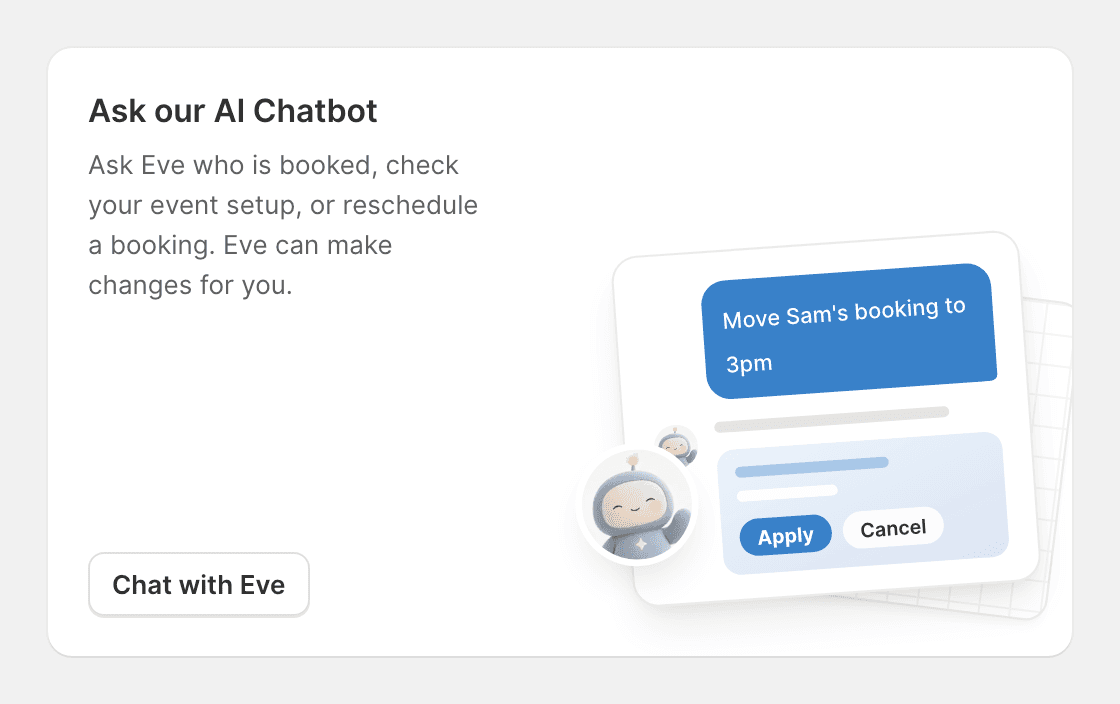
Easy Appointment Booking now has a Claude connector. Connect the app from Settings, and you can ask Claude about your schedule in plain language: what's booked today, who's coming in this weekend, where the gaps are next week. Claude reads from your live booking data, so the answer is current, and you never leave the chat.
Chat with Claude is available on the Ultimate plan.
A Bigger Public API
The public API grew in three directions. Events can now be read, created, and duplicated from outside the app. A new Location resource lets multi-location stores work with bookings per location. And booking follow-up notifications can be triggered from the API, so your own systems can kick off the emails the app would normally send.
The API reference also moved to a cleaner, faster documentation site, and agent traffic is rate limited at 10 requests per second per shop.
The public API is available on the Enterprise plan.
POS Knows Which Register It's At
Multi-location stores got a cleaner split between cities. You now link your locations to Shopify locations directly in the admin, and each register's Today's Bookings list in Shopify POS shows only its own location's bookings. Houston sees Houston; Austin sees Austin.
Check-in got a redesign too: the information staff need first is at the top, and a booking checked in on one screen shows as checked in everywhere.
POS location linking is on the Enterprise plan.
A Timeline on Every Booking
The booking details modal now has a Timeline: every change to the booking in order, with who made it, whether that's the customer, a staff member, or an automation. Same-minute events group under one time, and reschedules show a readable date instead of a raw timestamp.
When a customer says "I never moved my booking", you can now check instead of guess.
Improvements
- Team Portal permissions: choose per member whether they can edit their own availability.
- More management from the portal: admins can create and edit capacity rules and assign availability to events without opening the Shopify admin.
- A redesigned intake questions page: search, filters, and sorting, for stores whose question list has outgrown a single screen.
- The Event Calendar shows every open time: click a day to get a time picker with all available slots, and the agenda view lists each timeslot for the day.
- Customer lifetime spend in Booking Details: see what the person in front of you has spent across all their orders. Pro Plus and above.
- Dutch support: the storefront now speaks Nederlands, joining the existing supported languages.
- Upsell products can carry descriptions: give the add-on a sentence of context instead of just a title and price.
- Google Calendar conflicts respected everywhere: POS and customer-account time pickers now skip slots your synced calendar has claimed.
- Outlook events carry meeting links: virtual appointments synced to Outlook include the join link.
- Availability overrides reach two years out: staff date overrides are no longer capped to the near future.
- SMS balance alerts: an email warns you when your SMS wallet drops below $10, and top-ups now include $100 and $200 tiers.
- Shopify Plus stores start on Ultimate: new Plus installs get a 14-day trial of the full Ultimate plan.
- Customer reschedule and cancel pages restyled: the pages customers see when managing a booking match the rest of your store experience.
Fixes
- Bookings outlive their event: a booking for a deleted event now shows the event's name instead of "Event deleted".
- Cancellation refunds include tax: refunds triggered by a cancellation return the full amount paid.
- Rejected refunds are surfaced: when Shopify declines a refund, you now see it and can act, instead of it failing silently.
- Storefront filters follow through: date and guest-count filters a customer picks on your calendar carry into the booking flow.
- Staff can book past the online limit: the party-size cap applies to customers, not to your team booking from the admin.
- Package redemptions respect validity windows: sessions can no longer be redeemed outside the package's validity period.
- Carts stay in the buyer's language: translated storefronts no longer flip the cart back to your store's default language.
- Booking dates stop switching languages: fixed dates rendering in another app's locale when that app leaked its language settings.
- Admin calendars refresh after a reschedule: list, agenda, and resource views update immediately instead of showing the old time.
- Custom times work right after event creation: fixed a crash when booking a custom time on a just-created event.
- Booking Pulse tells the truth: fixed the dashboard card claiming "no bookings yet" for stores with bookings.
- Waitlist emails hide internal details: the Variant row no longer appears for events on default variants.
Thanks for using Easy Appointment Booking. Questions or feedback? Reach out anytime.