
On this page
This week's release brings a new member to the team: Eve, an AI assistant that lives inside the app, answers your questions any time of day, and can make changes for you once you say yes. On the storefront, the Event Collection Grid, add-on cards and date list all got a redesign. Here's what shipped.
Meet Eve, Your AI Booking Assistant
The help button in the bottom-right corner of the app now gives you a choice. Chat with Eve for an instant answer, or Chat with our team to reach a real person, the same as before.
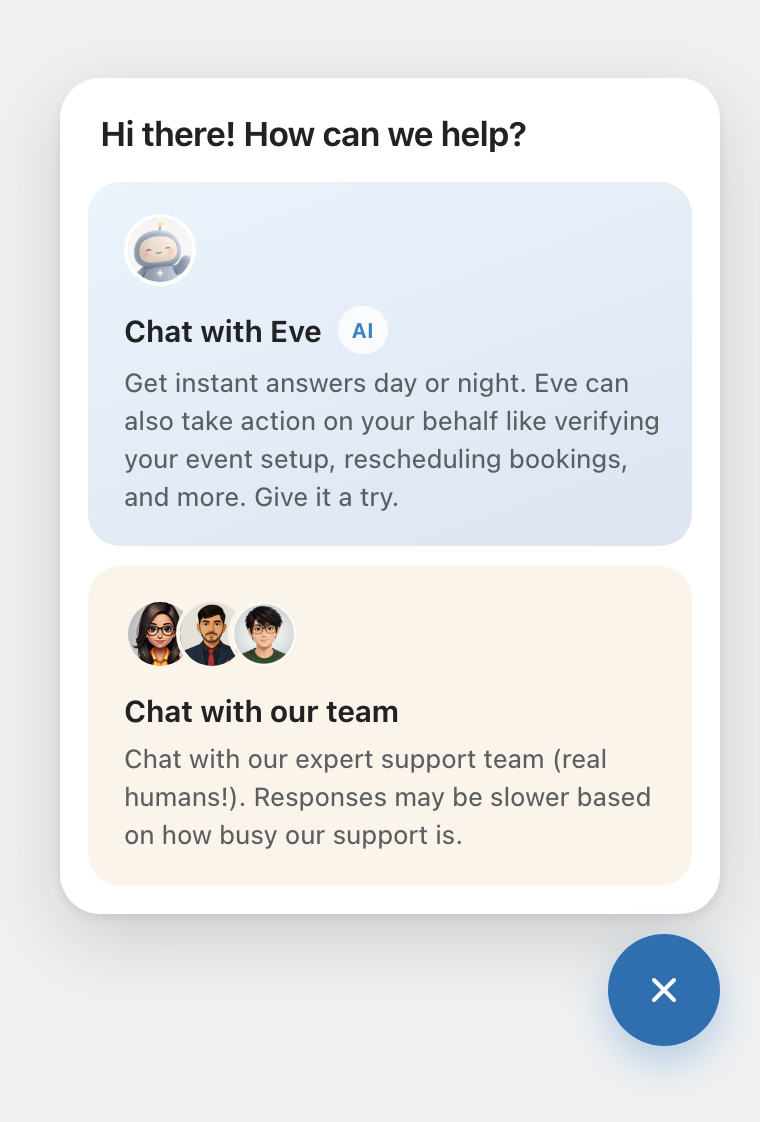
Eve knows the help centre and can look at your own store: your services, staff hours, settings, open times and bookings. Ask her who is booked tomorrow, why a time slot isn't showing, or how to take free bookings, and she will check and tell you.
Eve can also do the work. Ask her to change a service's duration, update a staff member's hours, turn on a setting or move a booking, and she shows you exactly what will change, old value next to new. Nothing is saved until you press Apply changes. If you change your mind, press Cancel and nothing is touched.
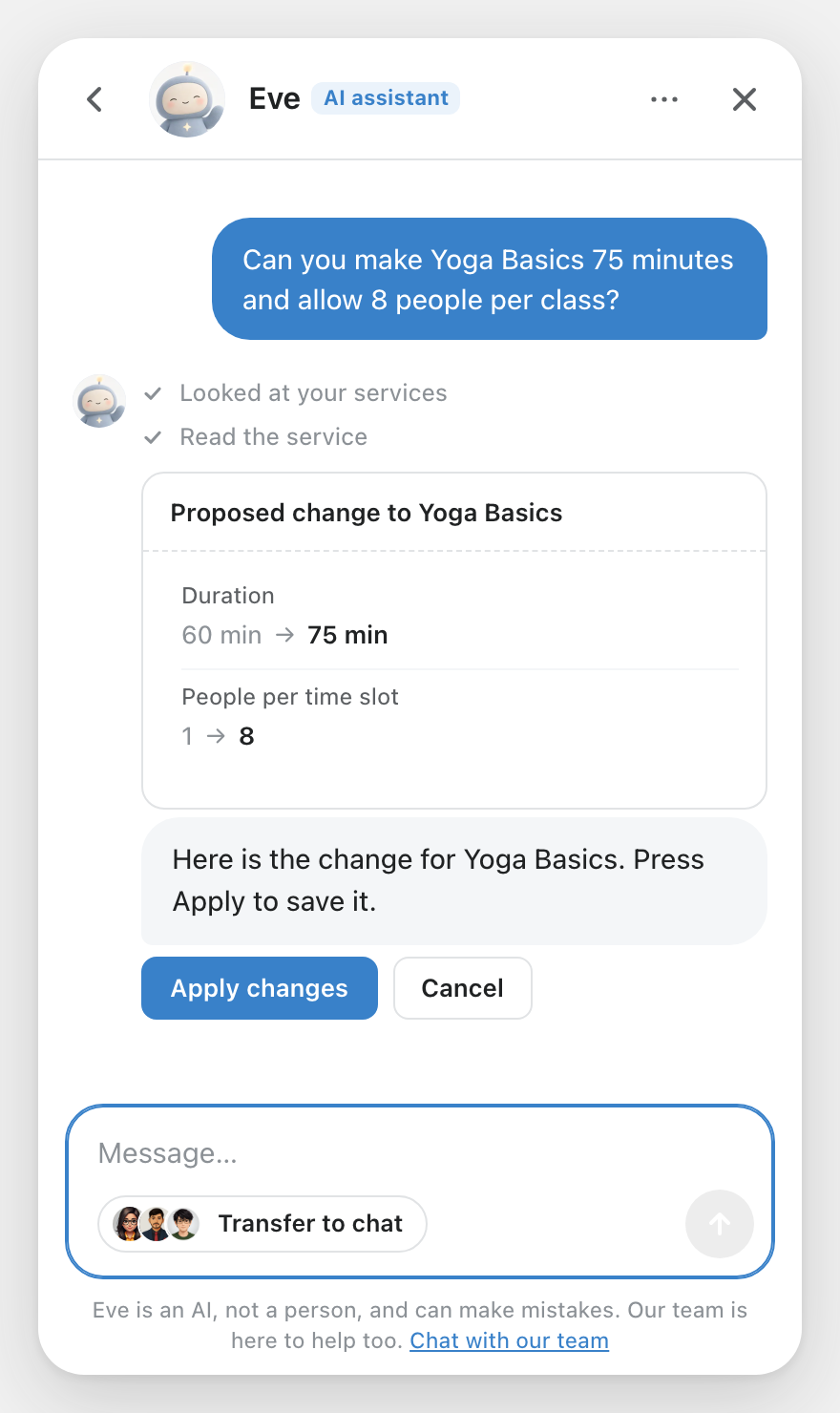
If Eve can't help with something, she hands you over to our team with a summary of the problem already written, so you don't have to explain it twice.
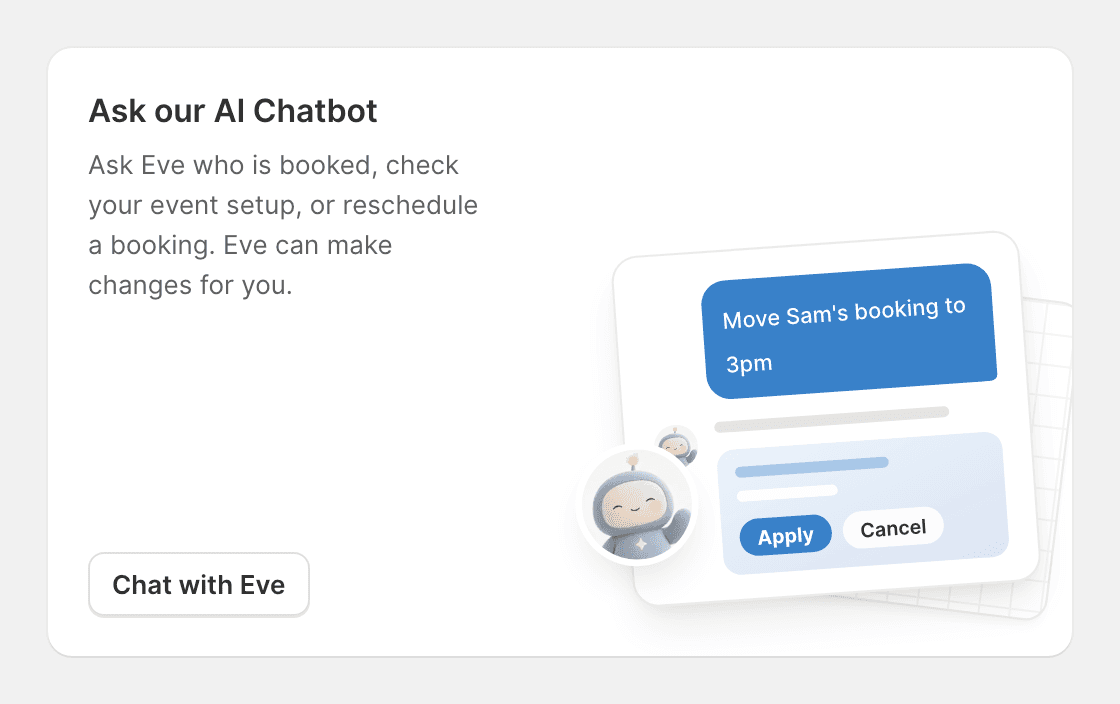
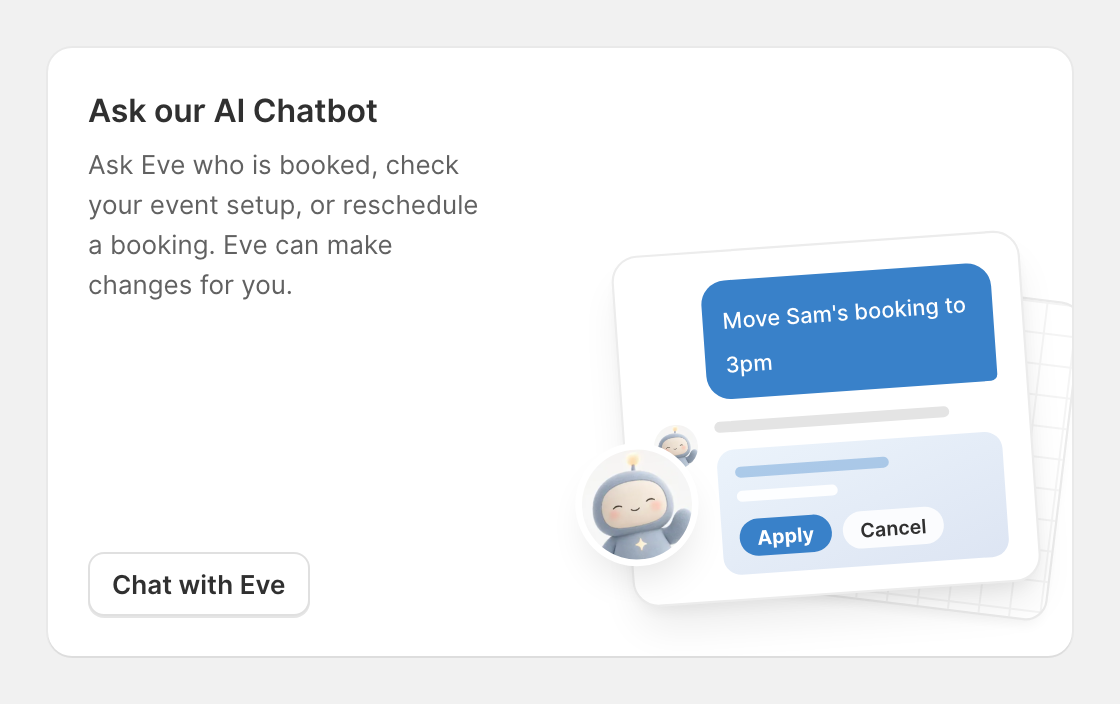
Eve is on every plan. You'll also find her on your Home page, on the Ask our AI Chatbot card.
If you use the Claude connector, Claude can now make changes to your services and settings too, with the same preview-first approach. Already connected? Select Reconnect with Claude in Settings > Marketing & analytics to turn it on.
Try Any Feature Free, Right Where You Find It
When you open a feature that isn't on your plan, such as packages, the waitlist or intake questions, you now see one clear card. It explains what the feature does, shows a preview, and names the plan that includes it, with its price.
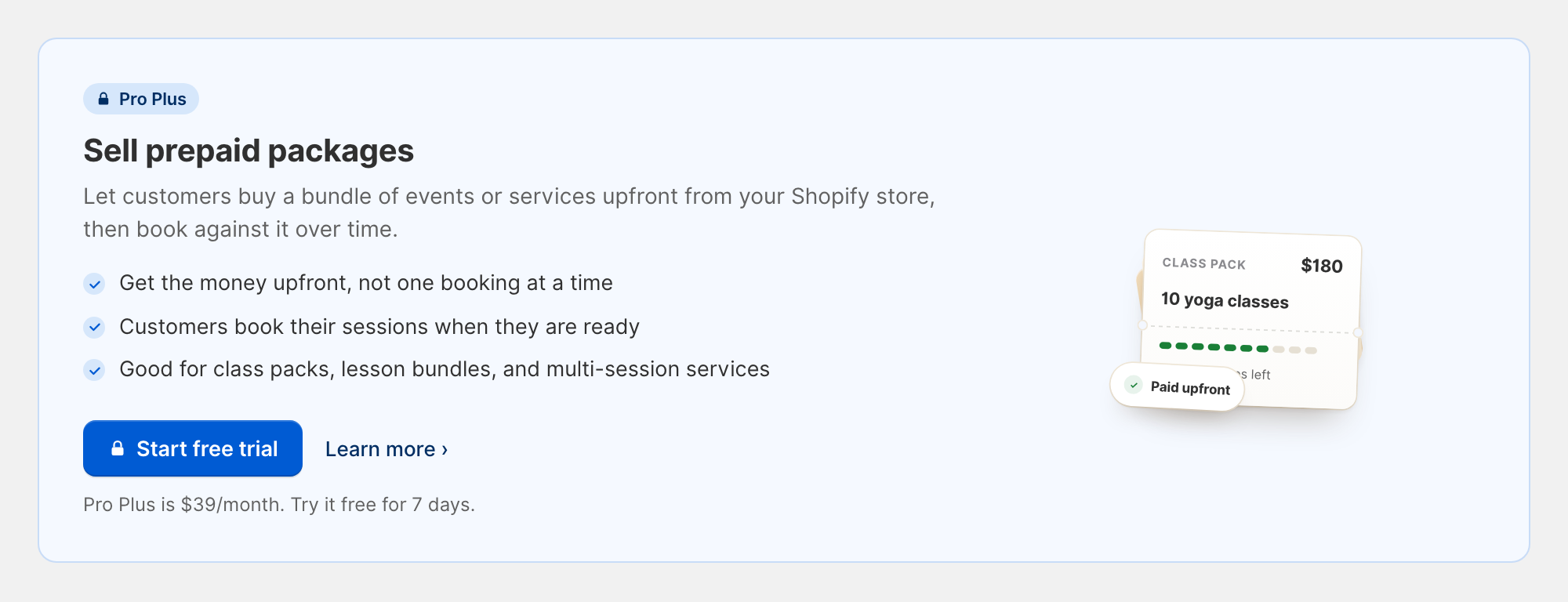
If you're on the Free plan, click Start free trial to try that plan free for 7 days without leaving the page. If you're already on a paid plan, the button takes you to your plans page to upgrade.
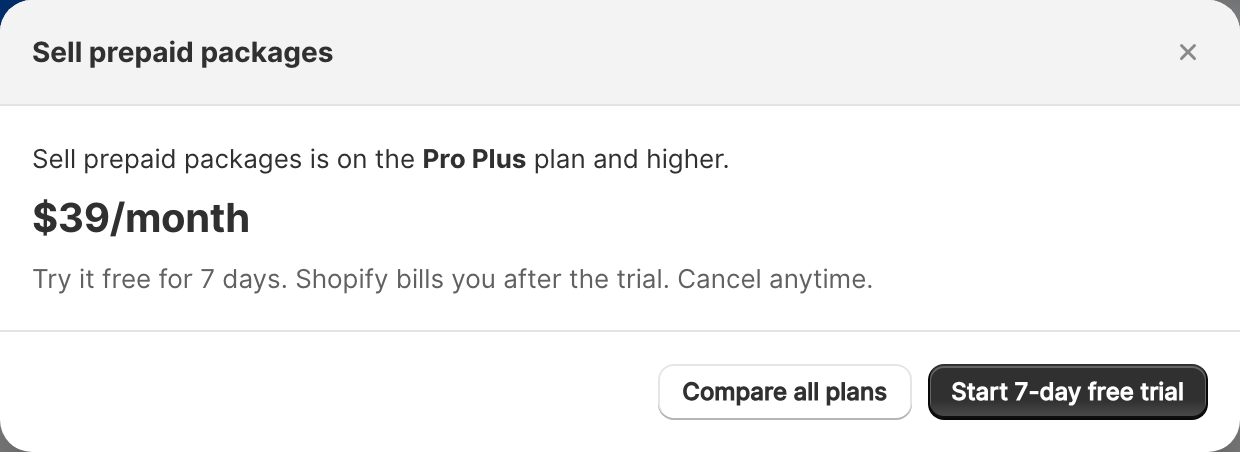
A couple of related changes in the app:
- Reports and Packages are in the app menu, so they're one click away from anywhere.
- Your plans page is now called Plan & billing.
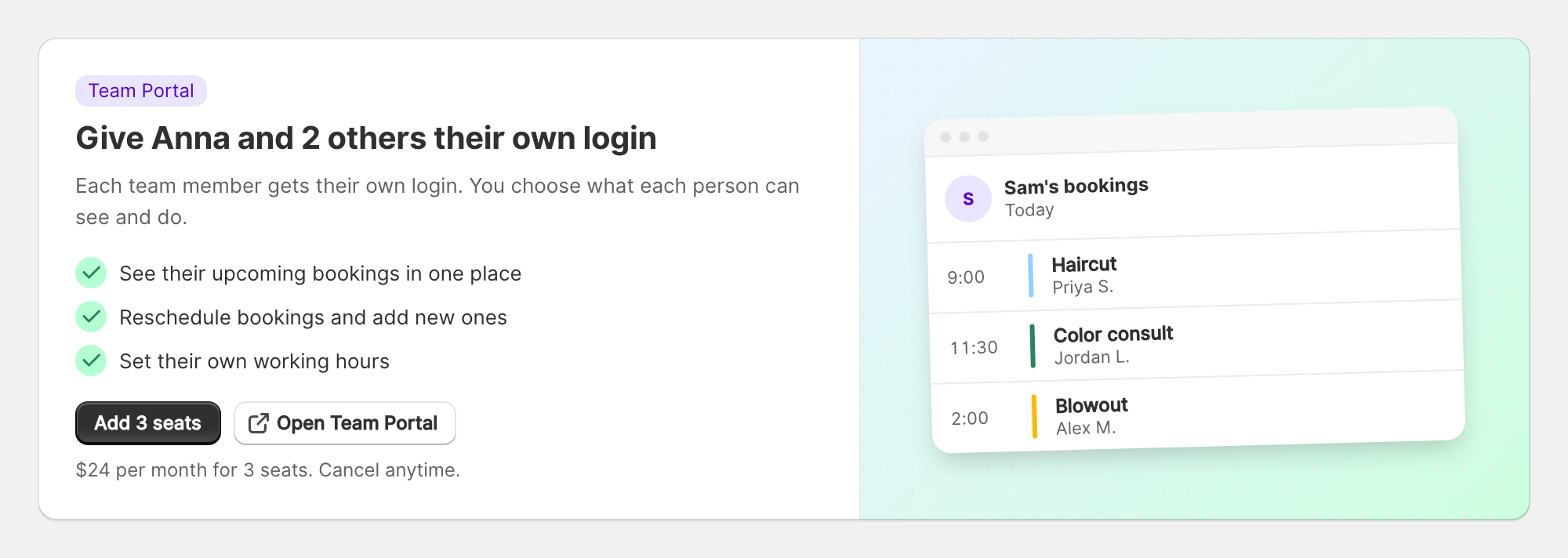
- Give staff their own login in one step. If your team doesn't have Team Portal access yet, the Availabilities page names the staff who could use it and adds the right number of seats in one click.
A Redesigned Event Collection Grid
The Event Collection Grid shows all your services on one page. Its cards are redesigned so your photos show properly instead of being cropped into a thin strip, and pages load faster because each card loads a right-sized image.
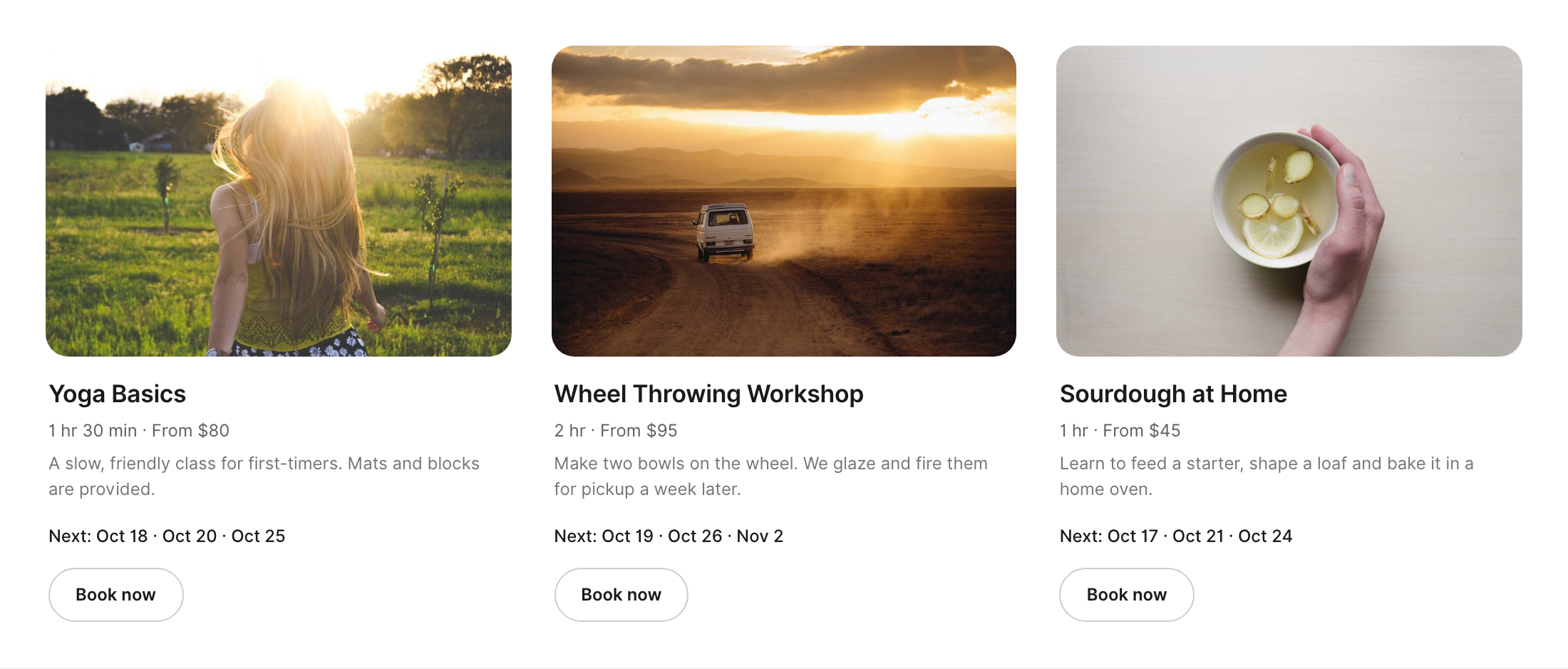
Every card is the same height, with the duration and starting price on one line, a short description, the next available dates and a Book now button. The cards follow your theme's text colours, so they look right on dark sections too.
You also have new settings for the block in the theme editor:
- Cards per row on desktop: Automatic, or 2 to 5. Tablets show 2 and phones show 1.
- Image fit: fill the frame, or show the full image without cropping.
- Button color and Button text color: match the button to your brand. Leave them empty to keep the current look.
We also fixed a layout issue where the grid showed a single narrow column on some newer themes, such as Horizon.
Cleaner Add-On Cards and Date List
Two parts of the booking calendar got a fresh look.
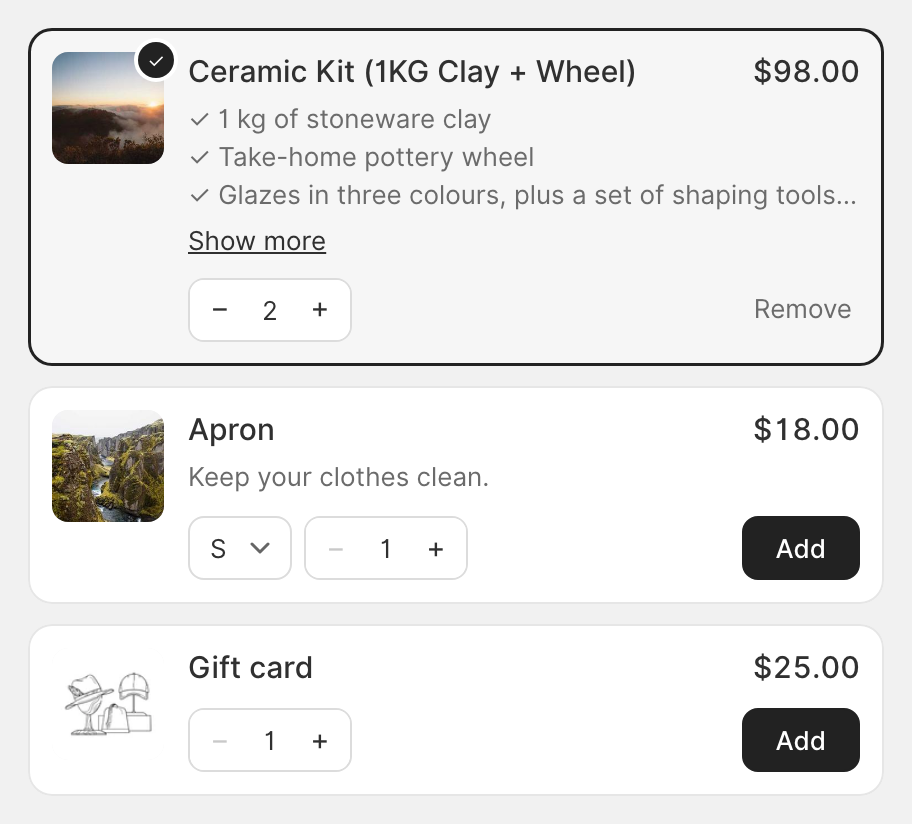
Add-on products now put the name and price on one line at the top. Long descriptions are cut to three lines with a Show more link, and + and − buttons replace the quantity dropdown. Once a customer adds one, the card is outlined and marked with a ✓ in your calendar colour.
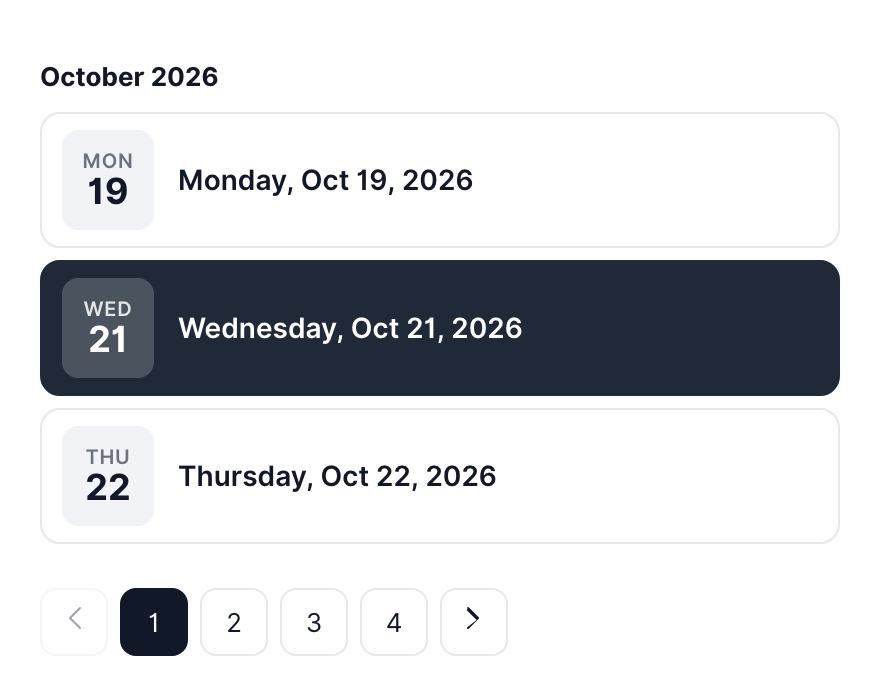
Show dates in a list, the view for services that run on specific dates, now groups dates under the month, shows each one as a card with the weekday, and pages through them with numbered pages.
The new labels are translated into all 12 storefront languages.
A Tidier Package Form
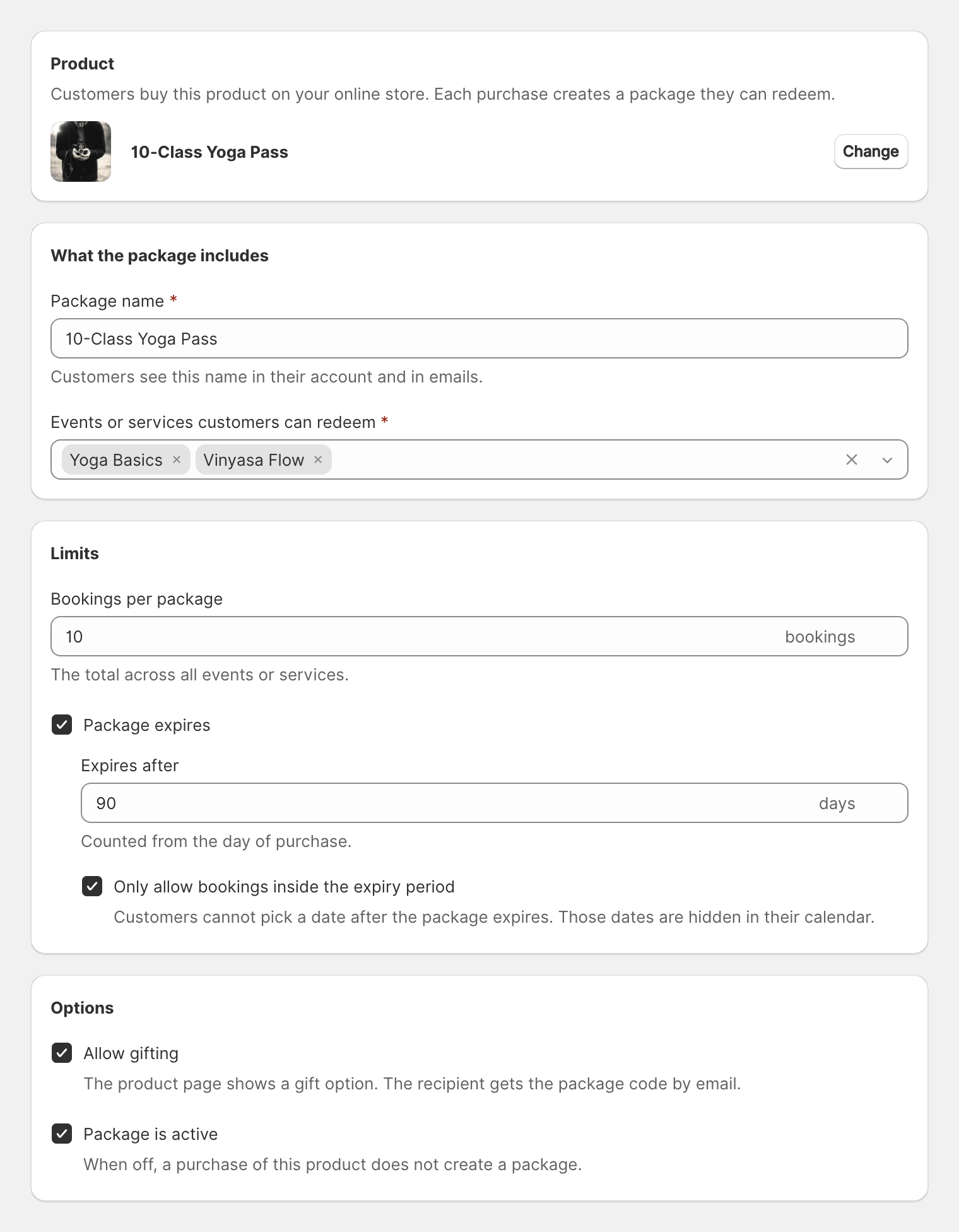
The form for creating and editing prepaid packages is now grouped into four sections: the product, What the package includes, Limits and Options. Fields show their units, and the expiry options appear only once you tick Package expires.
For Developers: Show a Calendar from JavaScript
Theme developers can now open a booking calendar from code, using only the event's Event Unique ID (find it on the event page in the app, with a copy button):
Servicify.renderCalendar("#book", { eventSlug: "<Event Unique ID>" })shows a calendar inside any element on the page.Servicify.openCalendar({ eventSlug: "<Event Unique ID>" })opens it in a popup.
It works on Shopify theme pages. The full reference is in the "Storefront JavaScript API" section of the API docs.
Fixes
- Event notes with curly braces: notes such as
Bring {your ID}could stop the confirmation email from sending. They now send as written, and variables such as{first_name}still fill in. - Practitioner links on the order page: variables in your event notes, such as a staff member's own Zoom link, now fill in on the customer's order status page too, not just in emails.
- Minimum party size: a time slot no longer offers a group size that no single staff member can take. On services with several seats, the slot now shows how many people one booking can include.
- Rescheduling across time zones: rescheduling a booking from the app while you're in a different time zone than the event keeps the right date and length.
- View in Timezone stays put: the time zone you pick on the Bookings page is remembered and used across the list, calendar and agenda views.
- Google Calendar conflicts: busy times are now caught correctly on stores set to Japanese or Chinese.
- POS after a product change: if you move an event to a new product, Shopify POS now adds the right variant to the cart.
- Outlook emails: the Book a new appointment button in cancellation and follow-up emails now shows as a proper button in Outlook.
- Gift sender names: if a buyer typed an email address as their name, the gift email now uses their name instead. The field is now labelled Your name.
- A faster app on your phone: moving between pages is quicker, and the dashboard no longer jumps around while it loads.